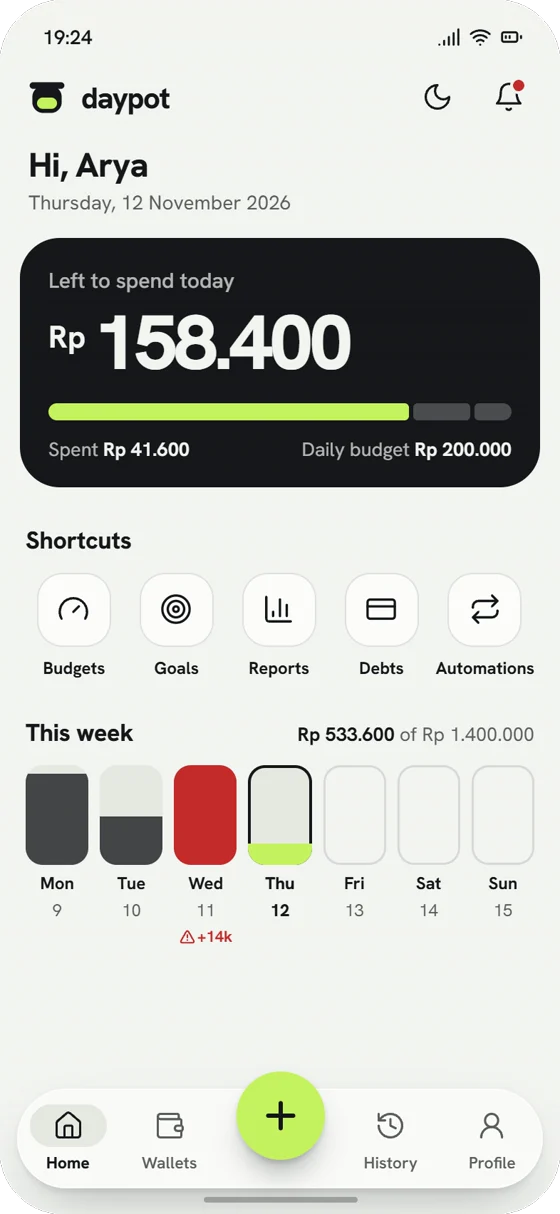
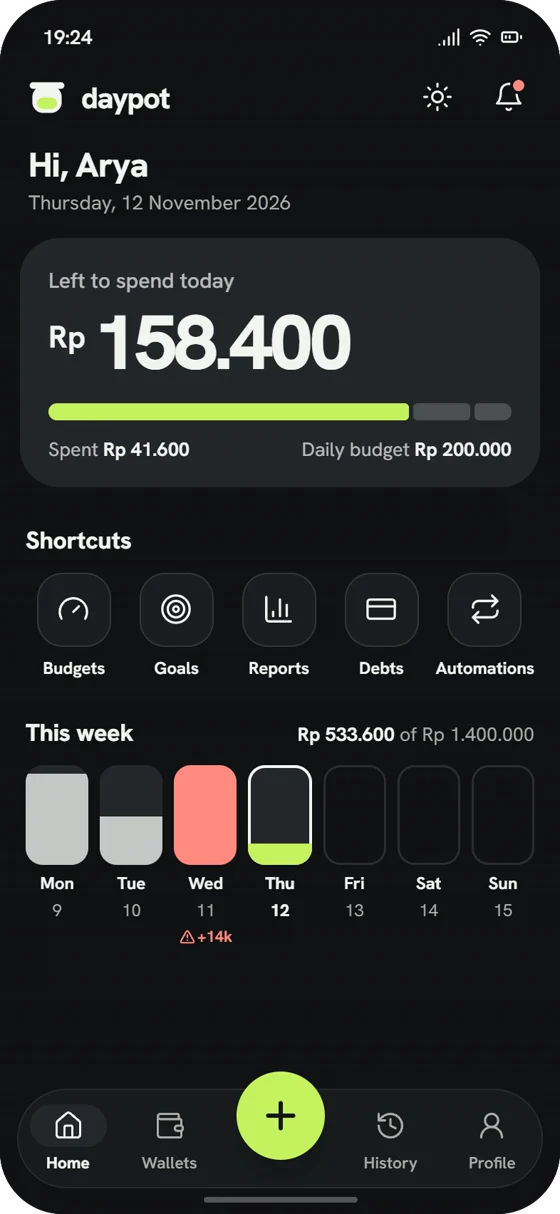
Today’s amount
Your monthly budget, split into what you can spend each day. Spend less today and tomorrow gets more.
Daypot turns your monthly budget into a daily allowance. Every entry updates what’s left, and it all works without signal.
Downloads need a code from the app’s owner. Android 8 and up.
One number tells you what you can still spend today. Everything else is there when you want it.
Your monthly budget, split into what you can spend each day. Spend less today and tomorrow gets more.
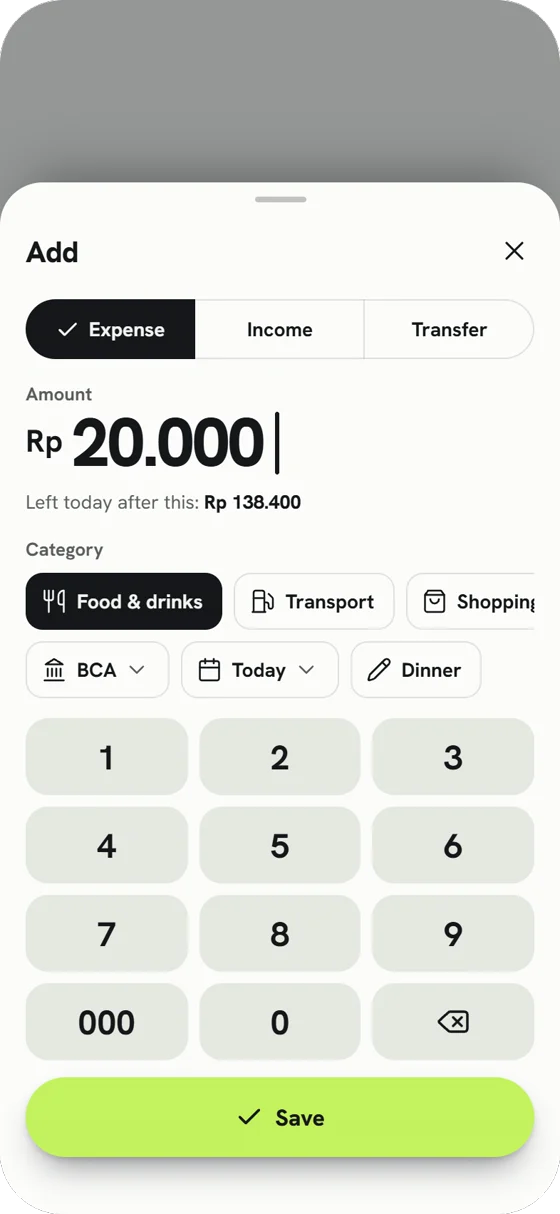
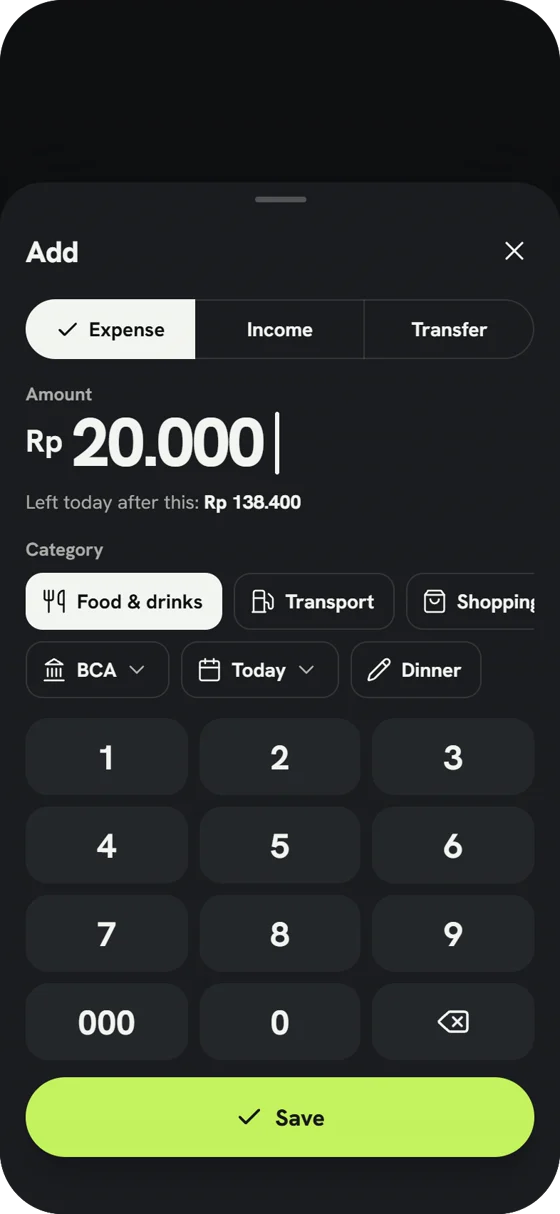
Amount, category, Save. Our own number pad, so it is quick with one hand.
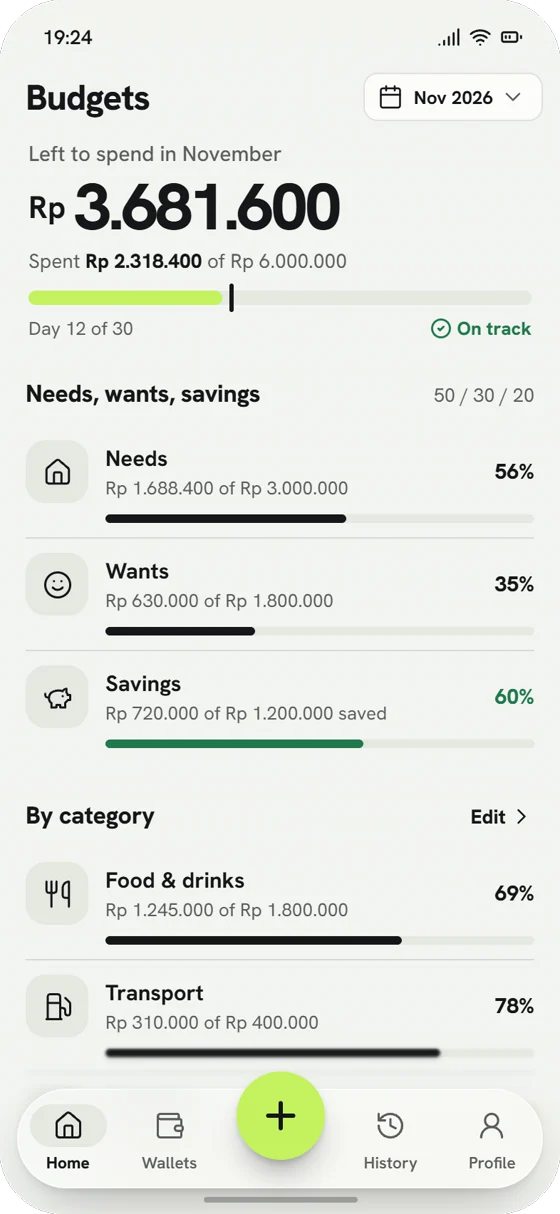
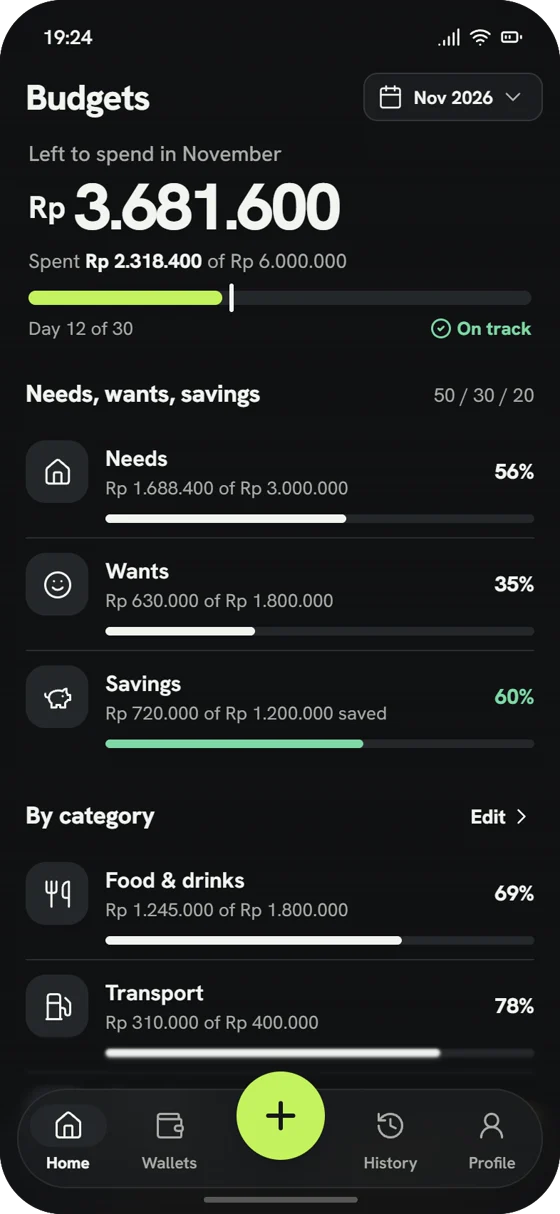
50 / 30 / 20 and a budget per category, with a warning at 80%.
Save for a trip or a laptop and see the monthly amount.
Cards, instalments and money friends owe you.
Salary, rent and bills add themselves, with reminders.
Every day of the month and the last 6 months.
Daypot is not in the Play Store yet, so Android asks a few extra questions. Here is exactly what you will see.
Type the 6-digit code the app’s owner gives you. The file is about 11 MB.
Chrome warns about any app that is not from the Play Store. Tap Download anyway.
Open the file. Android asks if Chrome may install apps. Switch it on, then go back.
Tap Install. If Play Protect asks, tap More details, then Install anyway. Open Daypot.
Updates come the same way: download the new file and install it over the old one. Your records stay in your account.
Your records sit in your own account. Nobody else can sign in to it, and Daypot has no ads or trackers.
Only a scrambled version is kept. Even the database cannot show your password.
Signing up and resetting a password need a 6-digit code from your email.
Turn it on in Profile and Daypot asks for your fingerprint or phone PIN when it opens.
Yes. No ads, no subscriptions and nothing is sold.
Daypot is shared privately for now. The code changes every 30 seconds, so a link alone is not enough.
Yes. Everything is saved on your phone first and goes to your account when you are back online.
Yes. Sign in on both and your records follow you. Profile shows every phone and can sign one out.
Android 8 and up. An iPhone version may come later.
Profile, then Delete account and data. Your password confirms it and everything goes.